(redirected from T.VerySpecialEffects)
The Mini gallery for PmWiki can also display drop shadows via CSS. See CSS shadows with Mini.
This page shows how we can have thumbnails with drop shadows with ImageMagick's convert. Thumbnails can be framed with a white border of 3 px, optionally slightly rotated, and a shadow is dropped.
Note that ImageMagick may not be available on cheap and/or shared hostings.
Shadows, random rotation -3..+3 degrees:
(:thumblist px=79 imcl=rand3 count=1..6:) |
 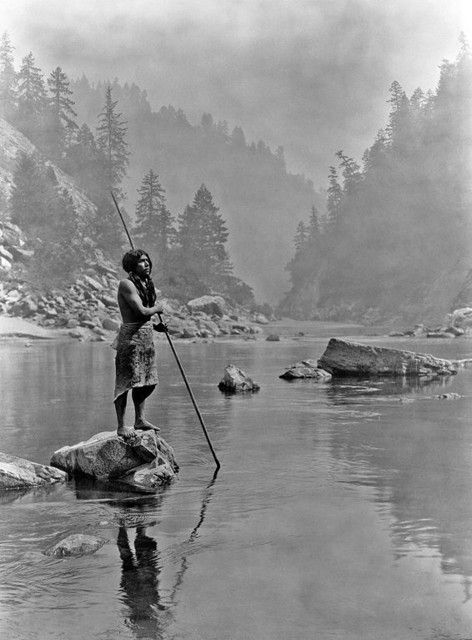  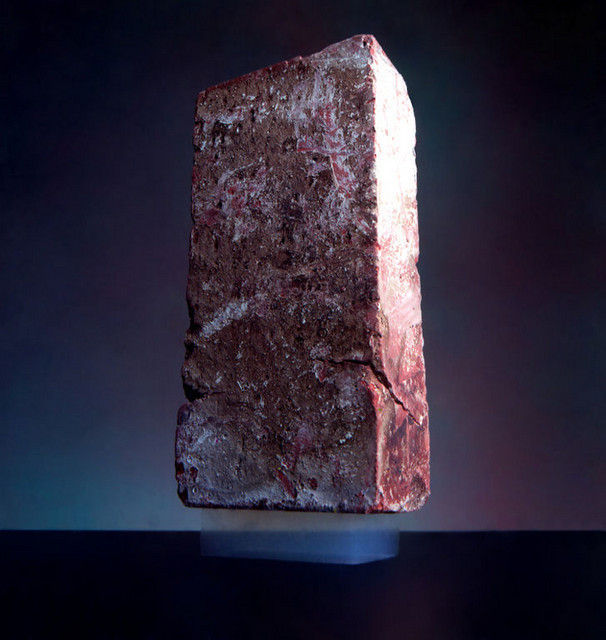 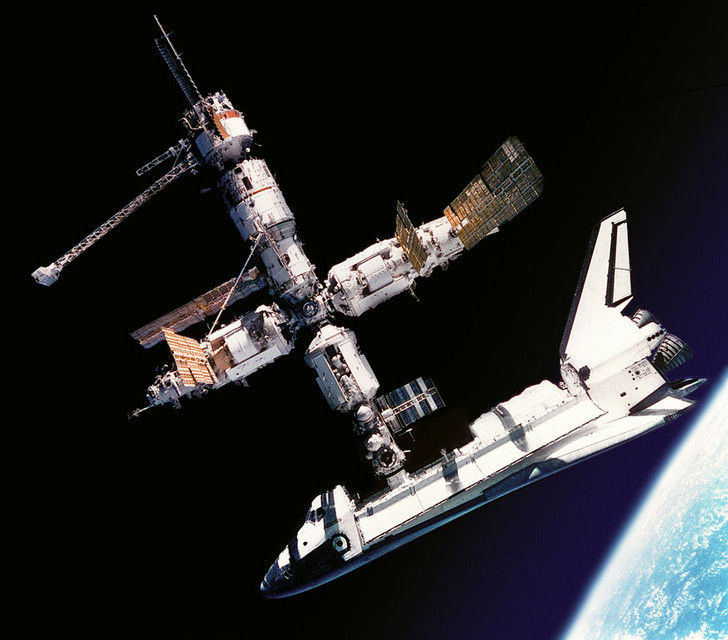 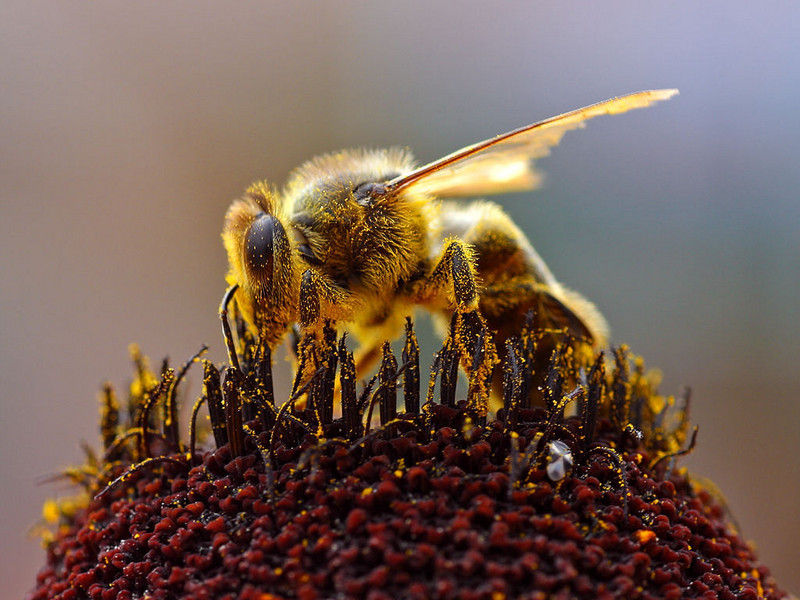
|
Shadows, standing still:
(:thumblist px=81 imcl=shadow count=7..12:) |
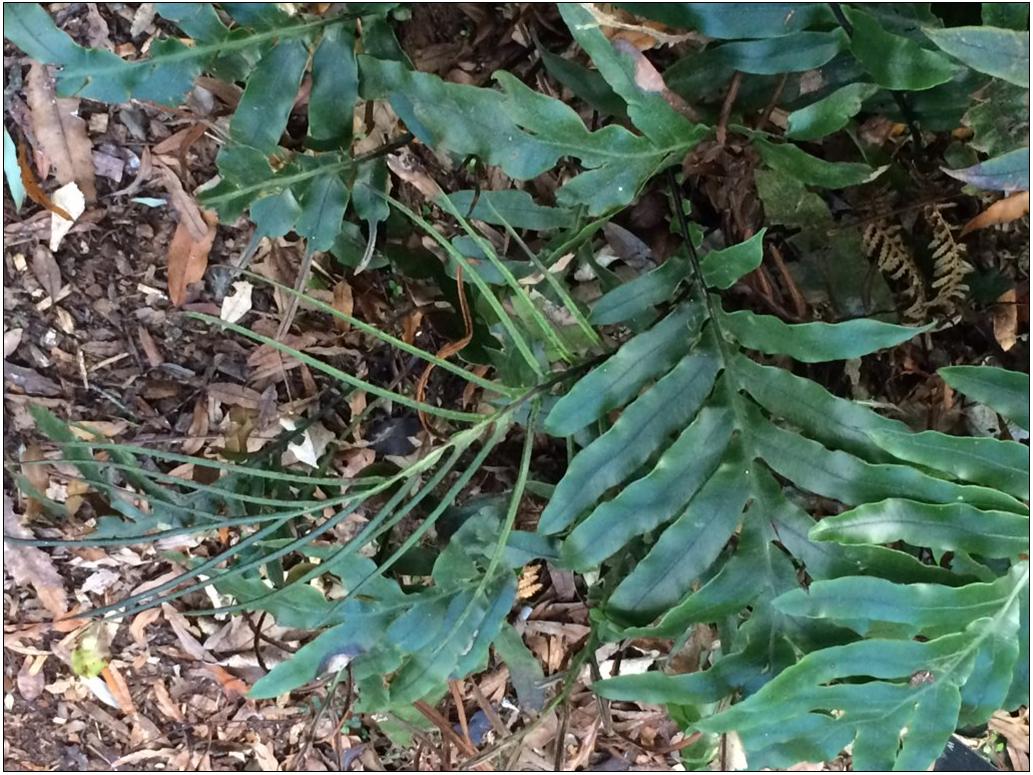 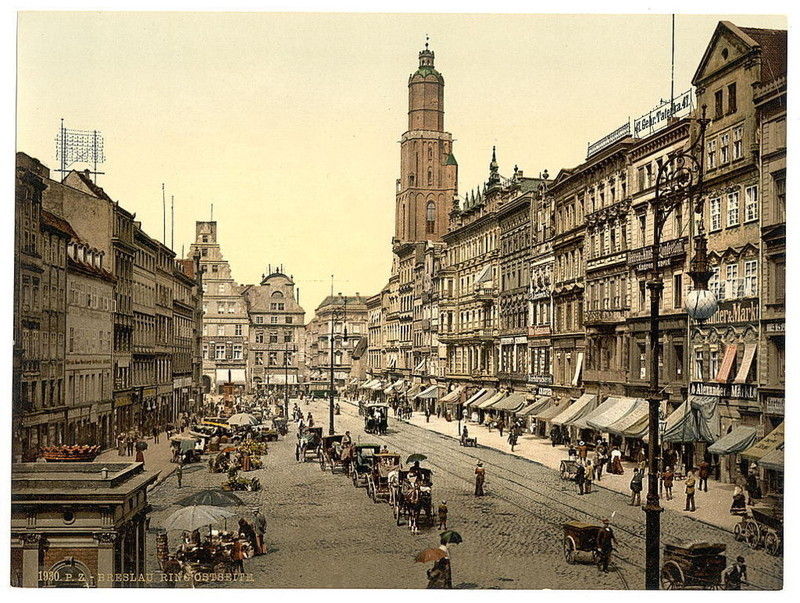 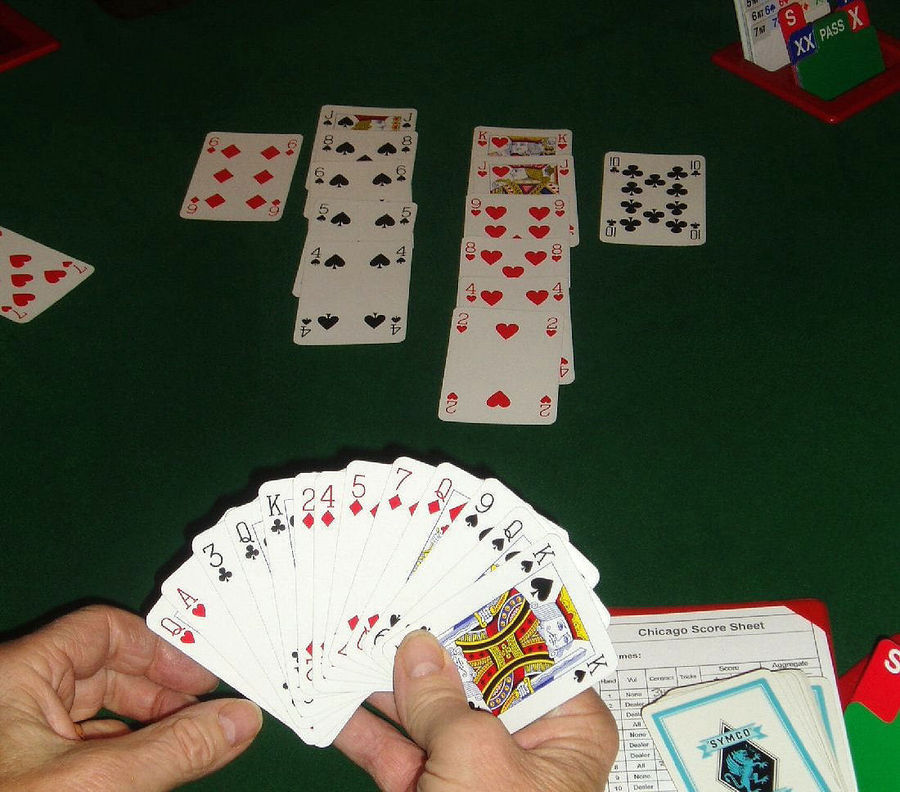   
|
Polaroid thumbnails, bordered, curbed, shadowed, with imcl=polaroid
(:thumblist px=83 imcl=polaroid count=5:) |
|
|
Here is what I have in local/T.PostcardEffects.php:
$ThumbList['ImageMagickExe'] = '/usr/bin/convert';

$EnableIMSCaching = 0;


$ThumbList['IMCLTpl']['rand6'] = '{%x} -size "{%W}x{%H}" "{%P}"[0] -thumbnail "{%w}x{%h}" -bordercolor white -border 3 -bordercolor grey60 -border 1 -background none -rotate {%RAND-6+6} -background black \\( +clone -shadow 60x4+3+3 \\) +swap -background "{%c}" -flatten -resize {%w}x{%h}\\! -unsharp 0 -quality "{%q}" "{%p}"';

$ThumbList['IMCLTpl']['rand3'] = str_replace('{%RAND-6+6}', '{%RAND-3+3}', $ThumbList['IMCLTpl']['rand6']);
$ThumbList['IMCLTpl']['rand10'] = str_replace('{%RAND-6+6}', '{%RAND-10+10}', $ThumbList['IMCLTpl']['rand6']);
$ThumbList['IMCLTpl']['right2'] = str_replace('{%RAND-6+6}', '2', $ThumbList['IMCLTpl']['rand6']);
$ThumbList['IMCLTpl']['shadow'] = str_replace('-background none -rotate {%RAND-6+6}', '', $ThumbList['IMCLTpl']['rand6']);

$ThumbList['IMCLTpl']['polaroid'] = '{%x} -size "{%W}x{%H}" "{%P}"[0] -thumbnail "{%w}x{%h}" -bordercolor "#eeeeee" -background black -polaroid {%RAND-6+6} -background "{%c}" -flatten -resize {%w}x{%h}\\! -unsharp 0 -quality "{%q}" "{%p}"';
Then, I can use the parameter imcl=rand3, imcl=shadow, etc.
Please note that these features are entirely unsupported - the current working configuration is documented, but I don't offer free support for enabling them on other systems. Please use them if you don't require free support. The ImageMagick reference manual is at http://www.imagemagick.org/Usage/.